
Integrations
Connect lead sources, calendars, messaging, email, CRMs, and developer workflows.
Integrations connect OutCallerAI to the systems surrounding a conversation. They can create leads, schedule appointments, deliver messages, synchronize records, or notify your application when call state changes.
Choose the integration by job
- Lead capture: Typeform, Tally, Jotform, Fillout, Google Sheets, or email lead import
- Scheduling: Google Calendar or Calendly
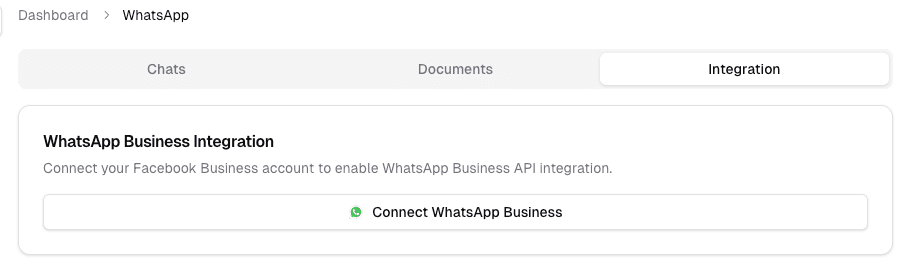
- Messaging and email: WhatsApp, Resend, or SendGrid
- CRM synchronization: HubSpot or Salesforce
- Developer automation: Webhooks, Postman, and the public API
Each integration guide lists prerequisites, connection steps, field mapping, and a verification flow. Start with the Integrations overview.
How information moves
Choose an integration based on the direction and timing of the data:
- Inbound: form, spreadsheet, mailbox, or CRM records create or update leads in OutCallerAI.
- In-call: calendar and scheduling tools let an agent check availability and create a booking during a conversation.
- Outbound: messaging and email providers deliver follow-up communication.
- Event-driven: webhooks notify your backend after supported lead, call, task, or agent events.
- On demand: the public API lets your software read and change supported workspace resources.
An end-to-end CRM implementation commonly uses the API to create records, a webhook to receive outcomes, and an external identifier in the CRM to reconcile updates.
Connection checklist
- Confirm the integration is enabled for the active workspace.
- Use a dedicated provider account or credential with the minimum permissions required.
- Connect the integration from the application and complete its provider-specific settings.
- Map it to a test use case before enabling production traffic.
- Trigger one representative event and verify both the OutCallerAI record and the provider result.
- Document who owns credential rotation, provider limits, and failed-delivery handling.
Failure and retry behavior
External systems can be slow, unavailable, or rate limited. Design downstream automation to tolerate delayed and duplicate events, identify records with stable IDs, and avoid assuming that a successful conversation guarantees a successful external update. Keep provider credentials out of prompts and lead fields; manage them only through the integration configuration.
How is this guide?