
Setup
Authenticate and start using the generated OutCallerAI public API reference.
The OutCallerAI API lets an existing CRM, operations system, or internal application manage the same core records your team uses in the dashboard. Use it to provision agents, synchronize leads, configure calling use cases, and read call outcomes without duplicating manual work.
Open the generated API Reference to browse every supported endpoint, request and response schema, code example, and the interactive playground.
API prefixes
| Prefix | Purpose | Authentication |
|---|---|---|
/api/v1/public | Workspace, agents, use cases, leads, calls | Bearer API key |
API Key
Create and manage API keys from the OutCallerAI Integrations.
- Visit the OutCallerAI dashboard subdomain
- Select Integrations from the sidebar
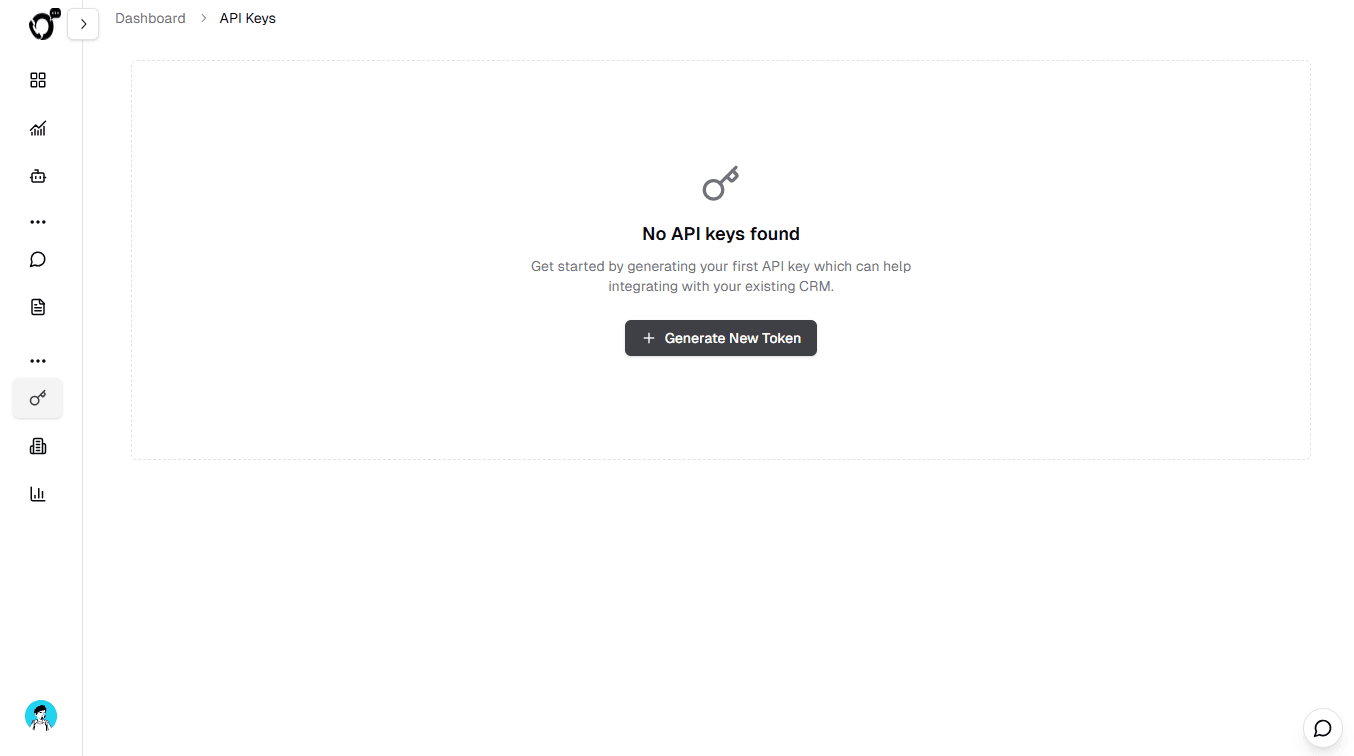
- Click Generate New Token
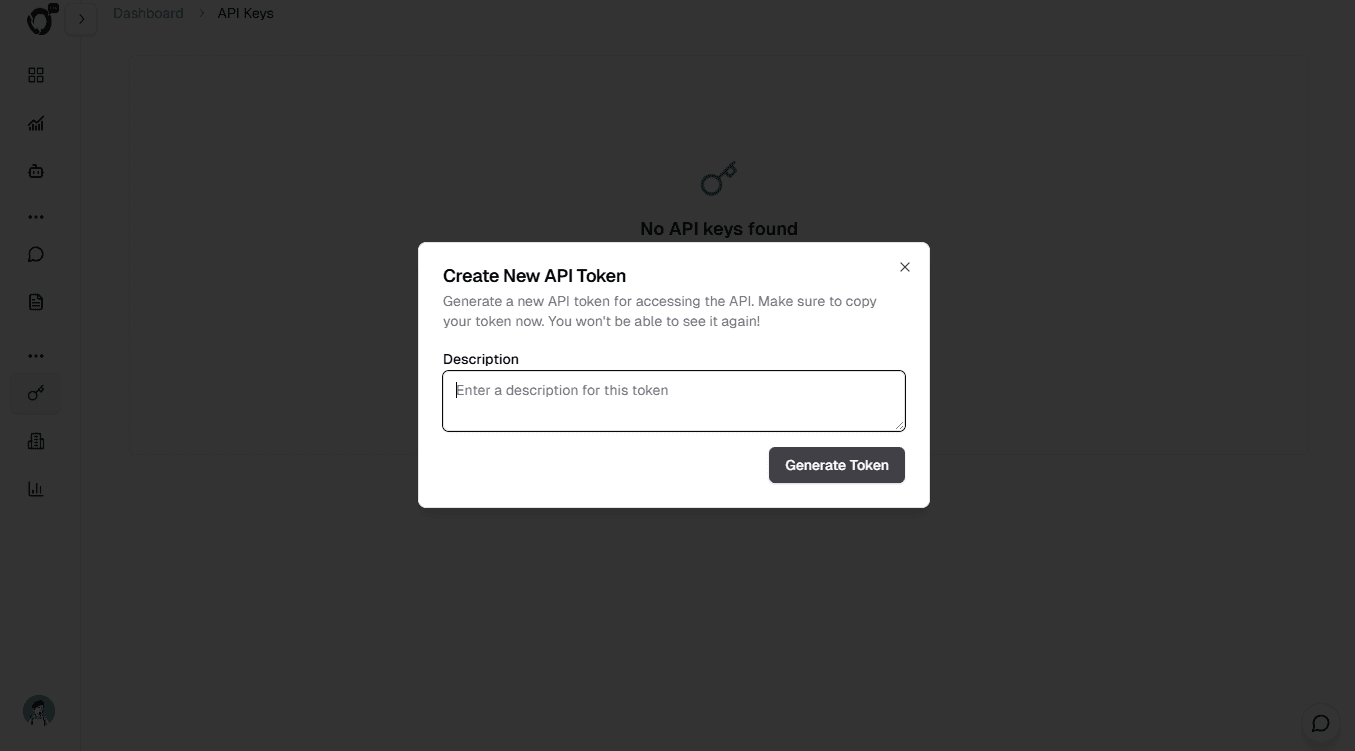
- Enter a description for the key
- Click Generate Token
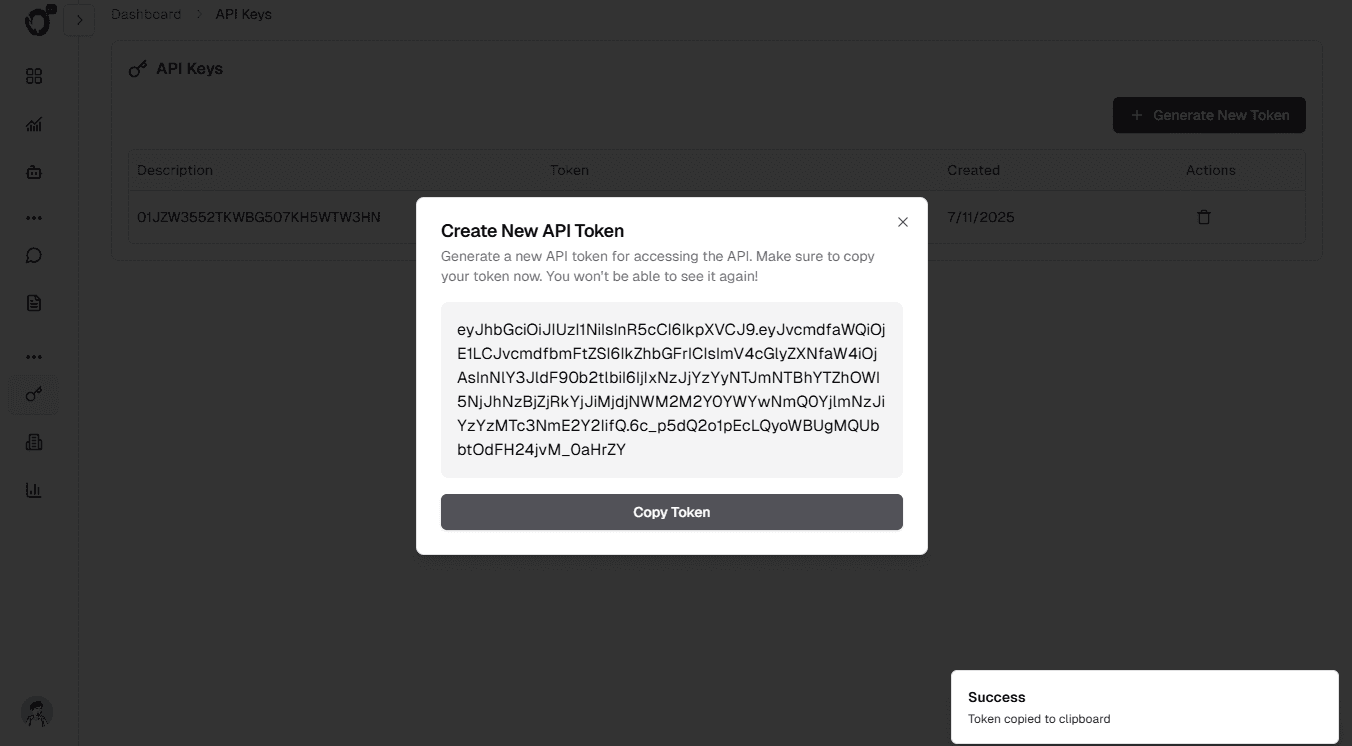
- The API key is shown only once — copy and store it securely
- Click Copy Token to copy it to your clipboard
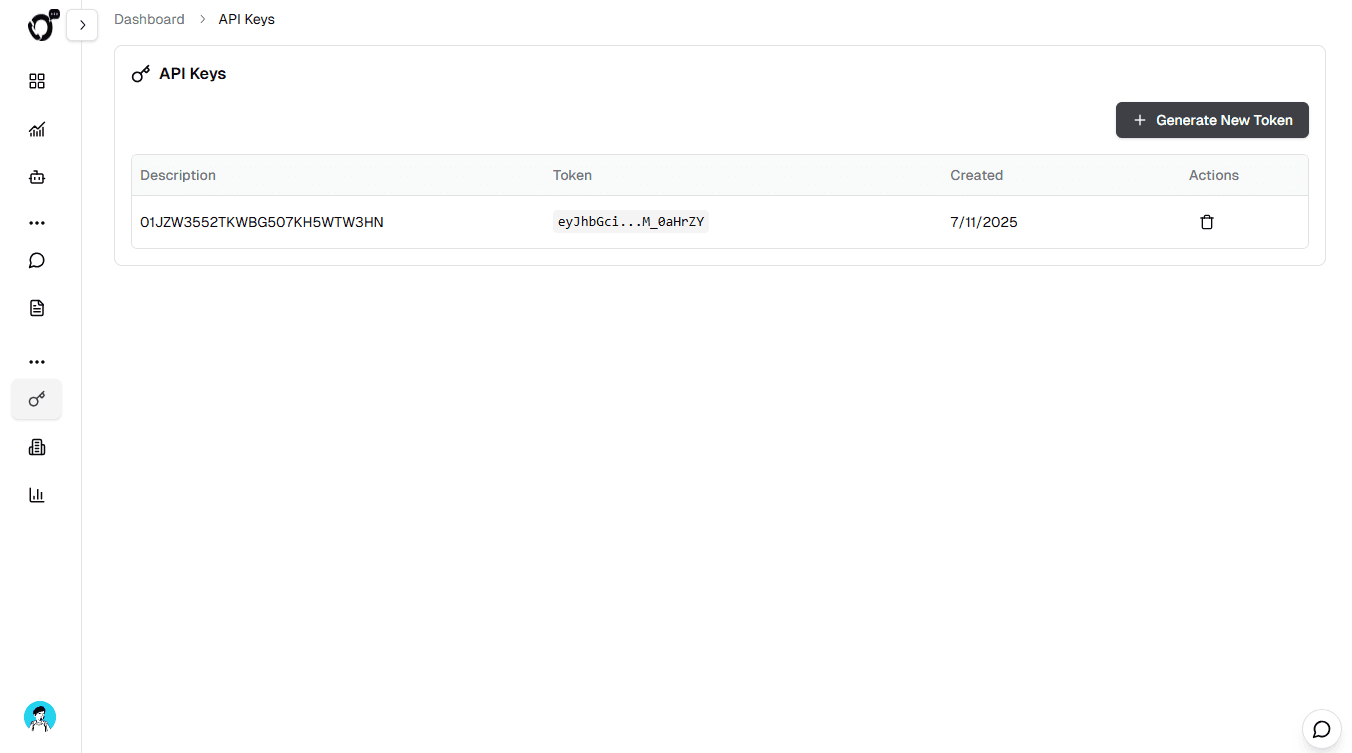
- Manage keys from the Integrations page
- Delete a key at any time to revoke access
Treat an API key like a password. Keep it in a server-side secret manager, send it only over HTTPS, and never place it in browser code, screenshots, support messages, source control, or a Postman shared initial value. Create separate keys for separate environments or integrations so each one can be revoked independently.
Headers
Authorization: Bearer <api-key>Base URL
Production:
https://outcallerai.comExample:
curl https://outcallerai.com/api/v1/public/workspace \
  -H "Authorization: Bearer <api-key>"
API reference
Authenticated REST API
Workspace
Agents
Campaigns
Leads
Calls
Integration pattern
For a reliable CRM integration, keep the CRM as the owner of customer records and store OutCallerAI IDs alongside the corresponding CRM records.
- Create or select an agent, then store its
agent_idin your integration configuration. - Create leads under that agent and retain each returned lead ID.
- Read calls for the agent to synchronize status, transcript, summary, duration, and outcome data.
- Make retries idempotent in your own worker: record successful IDs before retrying a batch, and do not blindly recreate records after a timeout.
- Treat
401as an invalid or revoked key,403as a workspace entitlement or policy restriction,404as an ID outside the authenticated workspace, and422as invalid request data.
The interactive playground sends requests through the OutCallerAI docs server so the key is never embedded in client-side source. The key remains in memory only while the playground is open and is cleared when it closes, navigates, or unloads. For production integrations, make requests from your own backend rather than from a public browser session.
How is this guide?